Roll 064 (2025) / Leica MP
Wednesday, November 26, 2025
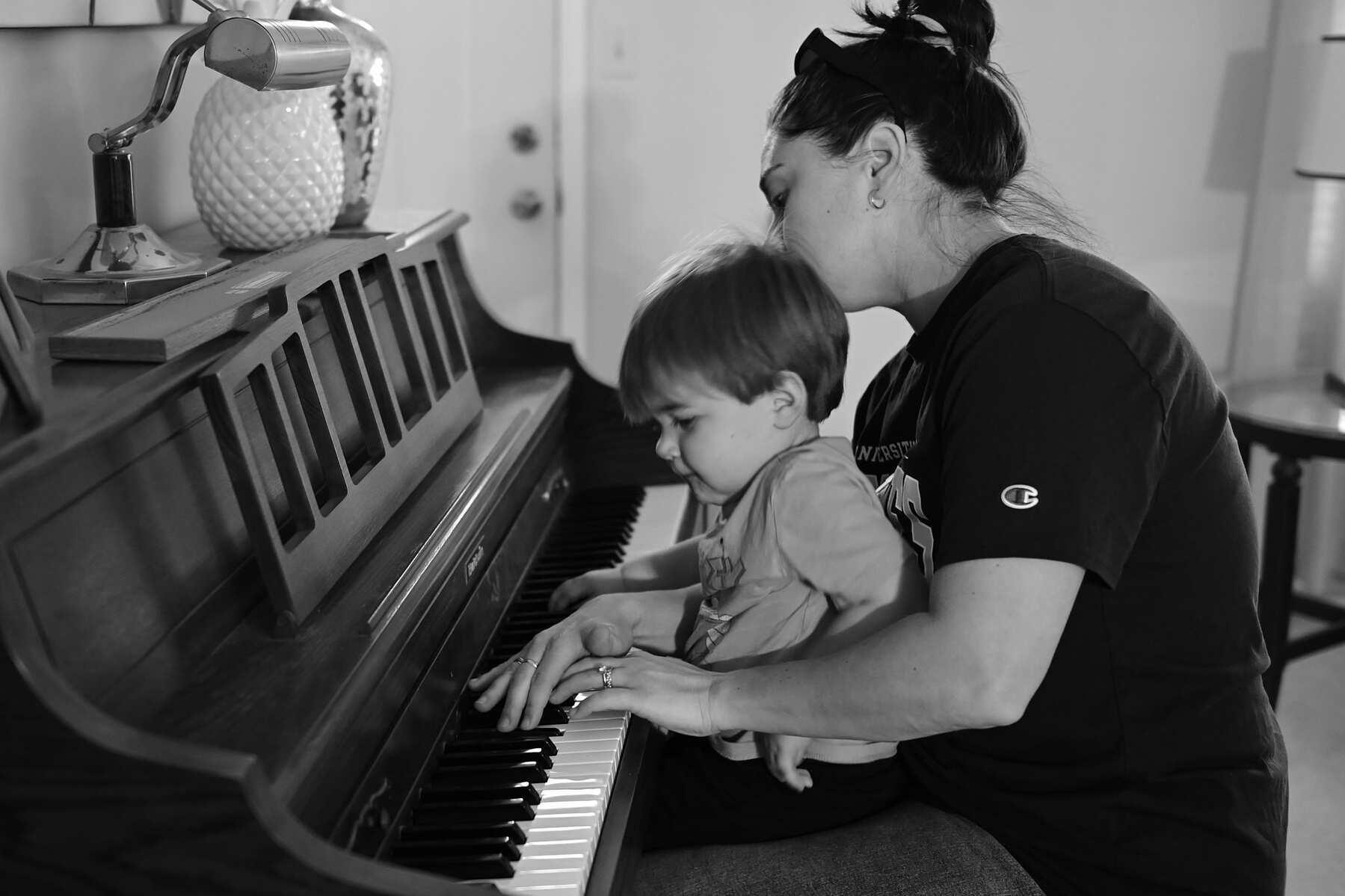
Here are a few photos from a roll of Kentmere 400 in the Leica MP. Family snaps, mostly. For some of the indoor photos I used a little Godox flash, totally guessing at exposure.


Wednesday, November 26, 2025
Here are a few photos from a roll of Kentmere 400 in the Leica MP. Family snaps, mostly. For some of the indoor photos I used a little Godox flash, totally guessing at exposure.
Thursday, November 20, 2025
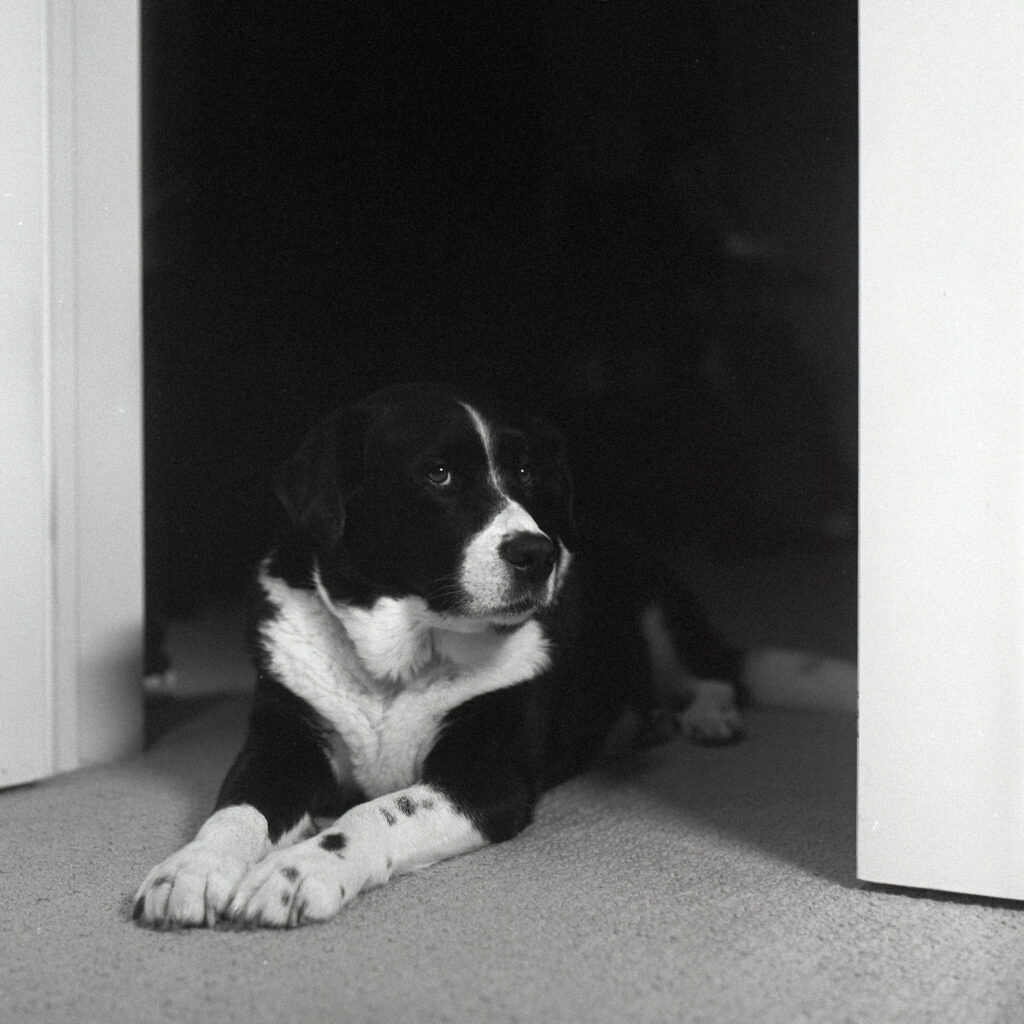
This roll of expired Tri-X was languishing in the camera, so I forced myself to finish it with the usual self-portraits and dog photos.


Friday, November 14, 2025
All of this nonsense attacks the foundation of photography. Photographers spending four hours adjusting color are making images that don’t look real. Light simply does not do what they are making it do.
Dan Milnor, Creative: The Entire Extent – Shifter
I've been guilty of this, but no more. These days I hardly touch the originals. I've learned that excessive post-processing adds very little and certainly doesn't turn a bad photo into a good one.
Saturday, October 25, 2025
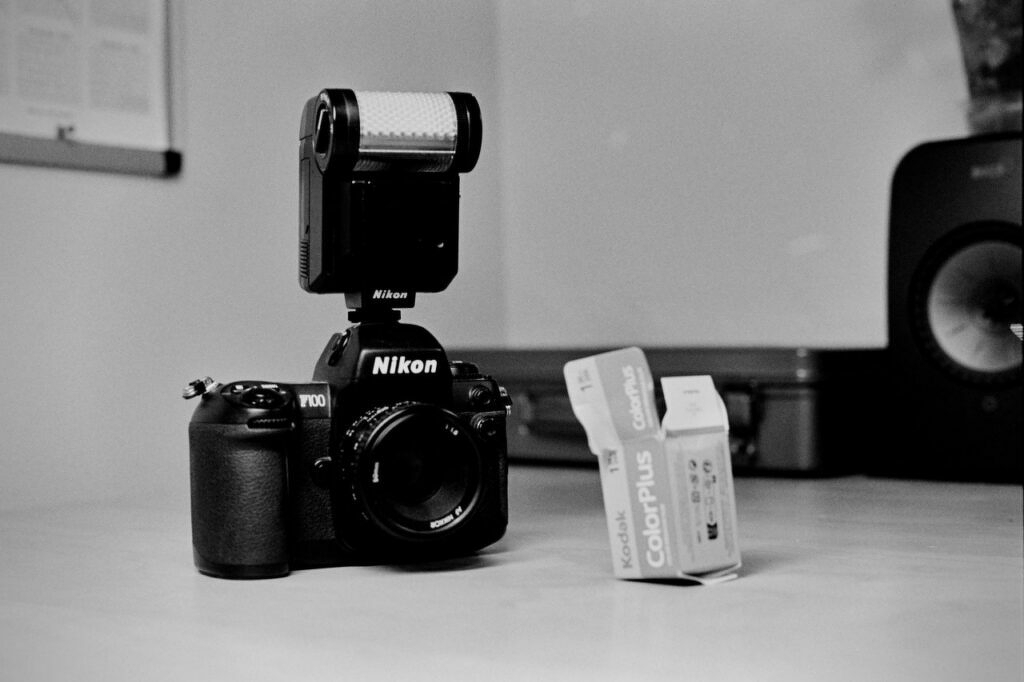
I'm becoming a fan of this awkward kit. The F100 is such a sleeper and can be had relatively cheaply. I ended up with that weird-looking SB-20 flash as part of a local Facebook purchase. There might be something to this TTL flash, auto-focus, auto-exposure photography thing.
Friday, October 24, 2025
I'm enamored with the Nikon F100 with that goofy SB-20 flash indoors. It certainly helps with toddler photos!


Sunday, October 19, 2025
Sometimes I get bored
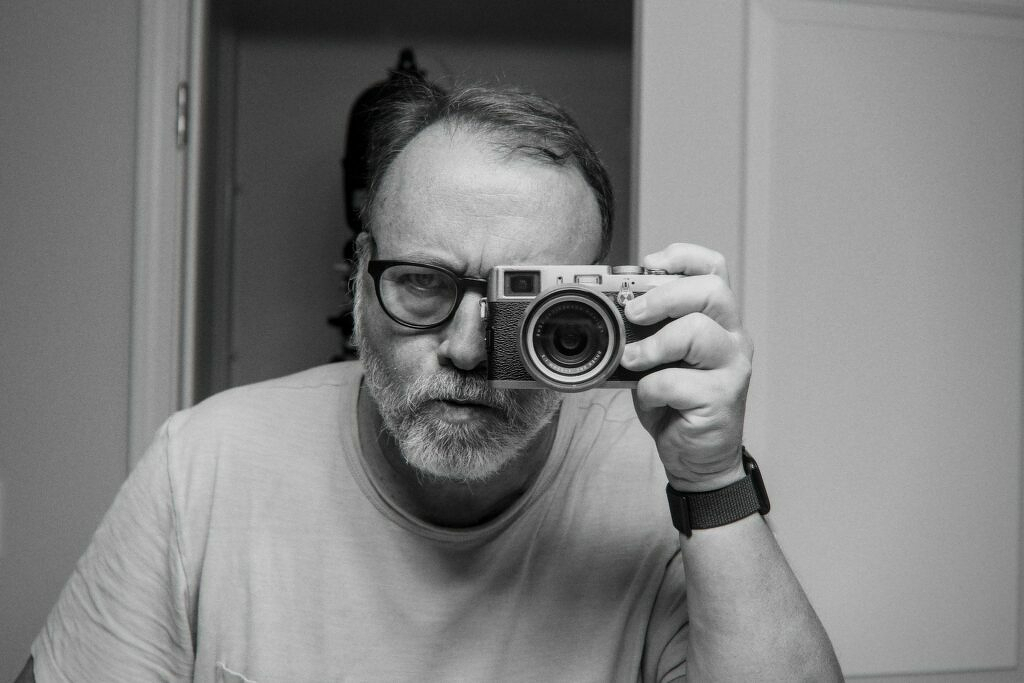
Sometimes I get bored and try distracting myself with some lesser-used camera or process. This time, it's the original Fujifilm X100 with the old Monochrome preset. Processed in Darktable because I'm a masochist.
Monday, October 6, 2025
This one took me a couple weeks to get through. Some restaurants, some beaches, some dogs.


Monday, October 6, 2025
I’m trying. I really am.
I’ve spent a while getting my head around Darktable and digiKam. That’s no small feat, honestly. What weird software. It’s capable, but getting to where I was with Lightroom Classic, Photoshop, and sometimes Capture One has been elusive.
There are manuals, blog posts, and Youtube videos to consume, but, given the nature of Darktable, everyone tells me to do things differently. There are a dozen ways to accomplish every task. Which one’s best? Who knows!?
Converting film negative scans it what I’m struggling with most. Lightroom has Negative Lab Pro, which is sort of de facto standard at this point. It makes quick work of conversion, adjustments, and metadata handling. Darktable has Negadoctor, which remains a mystery to me. I’ve used it to convert three rolls, and I’m getting the hang of the process, but I still can’t get the look I want from them. Everything’s a tad muddy, no matter how much I futz with the 175 available sliders.
One thing I’ve learned is that the Framework is slower than the little Beelink with Darktable. That means the Beelink stays as the main desktop. I thought for a second I could use the Framework for both, but not if I’m going to be processing photos with it.
I’ll give it until the end of October to see if I can forego the Mac entirely.
Sunday, September 28, 2025
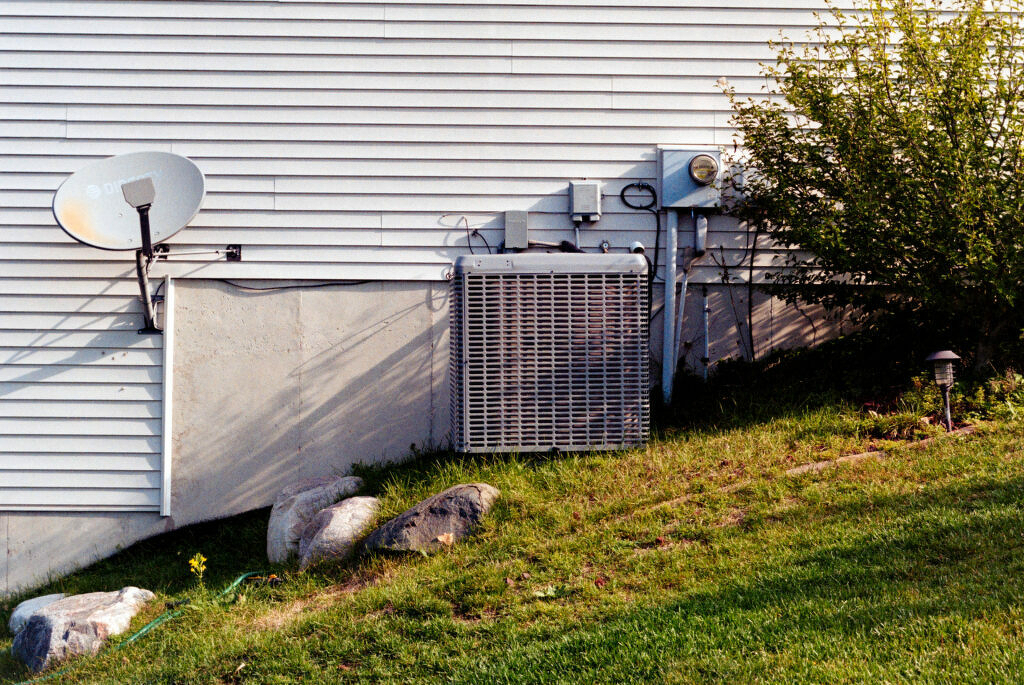
I was testing my first roll of Kodak ColorPlus film, so while walking the dog I took this snap of the side of my neighbor's house. It's supposed to be a throwaway, but I dig it for some reason. The more I look at it, the more I like it.
I was using the Nikon F100, so I didn't bother to think I might have set the ISO manually on an earlier roll. Sure enough, it was set at ISO 400. ColorPlus is a 200 speed film. Whoops. I noticed my mistake halfway through the roll, but figured I'd take the opportunity to push color film for my first time. It kind if ruined the "How good is ColorPlus?" experiment, but oh well.
I scanned it using the Leica SL2 mounted on a Negative Supply rig, then inverted the scans using Negative Lab Pro in Lightroom (Classic).
As usual, the colors look weird to me. The shadows have a splash of magenta and everything looks just a little off.
And yet, I love the photo. I love the diagonal monochrome/color separation. I like the placement of the rocks and the tree. I like the air conditioner unit in the center. The single sunlit yellow flower against deep shadow. And I really love the satellite dish.
It's fun when the throwaways work out like that.
Sunday, September 7, 2025
Favorites from a roll of HP5 through the Leica MP / 50mm Summilux-M ASPH.


This was the first roll scanned using the Negative Supply setup. It worked really well. I'm coming around to the whole scan-using-digital-camera idea.
Saturday, September 6, 2025


Saturday, September 6, 2025
Mylio is an amazing bit of software for managing large, disparate photo libraries. (For some details, check out this review.)
A private library that’s truly cross-platform and cloud-independent. Mylio is a media library built around your life, not around a cloud, device, or platform. Collect media from everywhere, access it on any device, anytime—even in Airplane Mode.
Mylio, in theory, solves my photo management problems:
The first point above solves so many issues for me. My photos are a mess because I never know how to think about Apple Photos. For a while, I treated my phone as if it were just another camera with an SD card. I’d transfer photos from the phone into Lightroom Classic and then (sometimes) delete them from the phone. Then, a year later I’d switch to thinking about my Photos library as the source of truth and import processed “real” photos into it. Once I start doing that, the “iPhone as SD card” concept is out the window. Like I said, it’s a mess.
I installed Mylio a few days ago, and pointed it at my current working /Pictures folder on the laptop, my big /MediaHD/Photos folder with everything, and at my Apple Photos library. I didn’t have to move or “import” any of my actual RAW files. It chugged away for a day or so, and now I see everything from everywhere right in Mylio. The iPhone snap from last night is in there. In fact, iPhone photos end up in Mylio on my Mac even before they show up via iCloud. The latest roll of film I scanned is in there. RAW files from my big digital camera are in there. And all of these are copied to both vaults and also visible on my Phone and iPad. I mean, it’s great, right?
Mylio automatically tags everything using a local AI model. I just searched for “Dog” and it found more than 10,000 matches :).
So, what’s the problem?
First, Mylio is a $240/year subscription. Many of you will shrug and walk away right there. I did too, but when I think about how much time and energy I spend dealing with all this, it feels more reasonable. It should be $10/month but I can’t control that.
Second, do I really want more software in the loop? I don’t, but Mylio adds a lot of value.
But you know what? Photography is important to me and the thing I enjoy most. Spending a couple hundred bucks a year to have all of it everywhere all the time, with multiple copies, all automatic, seems like a no-brainer, so I scribbled a quick comparison…
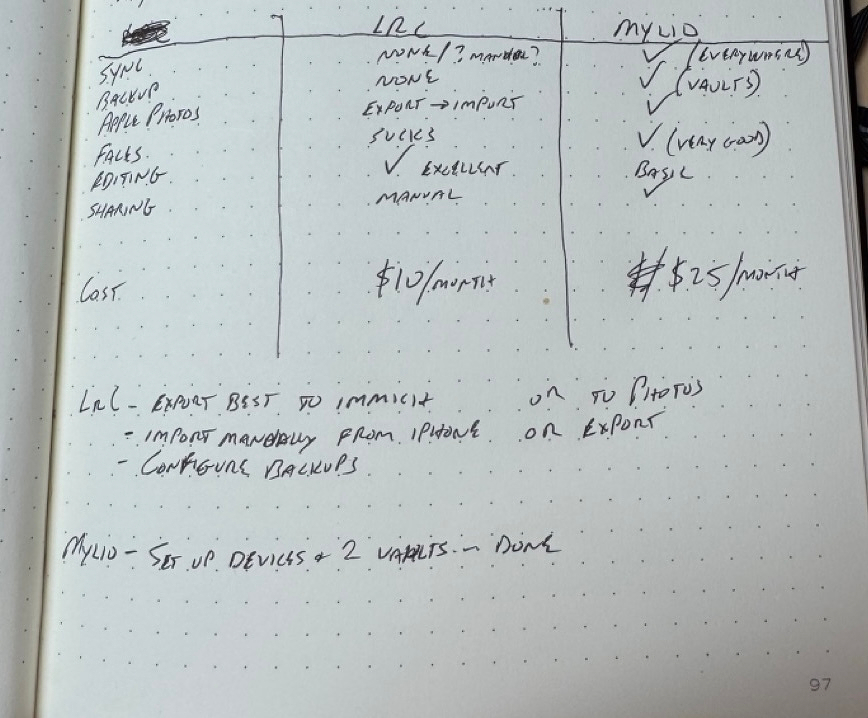
In the end, I came very close to paying for a year of Mylio, but didn't.
Saturday, August 30, 2025
For the past week or so, I’ve been thinking about shelving the whole film photography thing for a while.
I have many film cameras, but that’s the fun part, not the problem. It’s the supporting cast that wears me down. There’s just too much infrastructure around film photography.
If you’ll allow me a bit of a ramble.
First, there’s buying the actual film. It’s damn expensive, and becoming more so. I have to decide on black and white or color, fast or slow, modern or classic, etc. Best to have a little of each, right? And it’s all taking up room in my fridge.
I develop my film at home, so I need all sorts of processing gear and chemicals. Oh, and a darkroom if I want to make prints, which I do. For printing, I have enlargers, lenses, holders, easels, trays, tongs, chemicals, drying racks, paper, a paper safe, safelights, timers, loupes, and on and on. It’s a lot.
After the film is processed, there’s the scanning. Scanning sucks. Should I use a flatbed, dedicated scanner, or digital camera? I have all three, since I keep trying different approaches. I don’t love any of them, but digital scanning is the way forward. That’s a whole thing, though. I have a copy stand, but it’s terrible, and I hate having to set everything up each time. Is everything level? Don’t forget to set the ISO correctly, and focus precisely, and make sure the room lights are off. Which film holder is the best? Digital scanning is the only reason I own a macro lens.
Digitally scanned images need inversion. This means I need to keep a copy of Lightroom Classic around just for running Negative Lab Pro, which I also need because there are no decent alternatives. After scanning, I now have both the original DNG and the NLP-converted positive. Should I keep the original? I shouldn’t need to, but I do. Just in case. That’s an extra 80MB or so per image, and and they’re all just cluttering up the joint.
After everything is scanned, I have to cut and file the negatives. I print a contact sheet and both the sleeve and contact sheet need to go in binders on a shelf. Organized. Forever.
When I review a roll of the scanned images, I find scratches, dust, light leaks, water spots, poor exposure, accidental exposures, etc. Oh, and about a million mirror selfies, for some reason.
When I’ve had it up to here with all this, I start shooting more digital. All I need is a camera or two, SD cards, my computer, and a printer with supplies. It’s so fast and easy! I can load up the photos in Capture One (or whatever) and see them right away. This means I can immediately begin deciding how I want to process every single image. Should I convert it to black and white? Which film simulation would be best here? Maybe I should take it into Photoshop for some frequency separation so I can get it perfectly sharp in all the right places. Does the white balance look right? Maybe just a tad warmer would look better. I should buy more presets!
Best to zoom to 200% to make sure I nailed the focus and that everything is pin sharp… then add some grain in post so they don’t look so “clinical”. Why’d I spend $4,000 on a lens, again? Sigh. 🙄
As a result of all this, I spent a lot of time looking through my catalog this week. I realized something. I realized that 90% of the time I prefer the film images, as “poor-quality” as they are. I remember that, with film, once a frame is scanned, that’s it. Maybe I’ll tweak contrast or crop a bit, but basically each frame is what it is. A black and white film photo is always black and white. Converting digital color photos to black and white feels wrong. Fake. And deciding when to convert and when not to is crazy making. I get lost in it.
All this to say…
Even though the process of shooting film can get on my nerves, and the results can be terrible, I prefer film images. I like the fact that they’re on film and made by chemistry and light. They’re immutable.
Maybe one day I’ll feel differently, but right now I’ll just have to learn to deal with the infrastructure and get on with it.
Originally posted on Baty.net. I just needed some content here for testing WordPress 😁
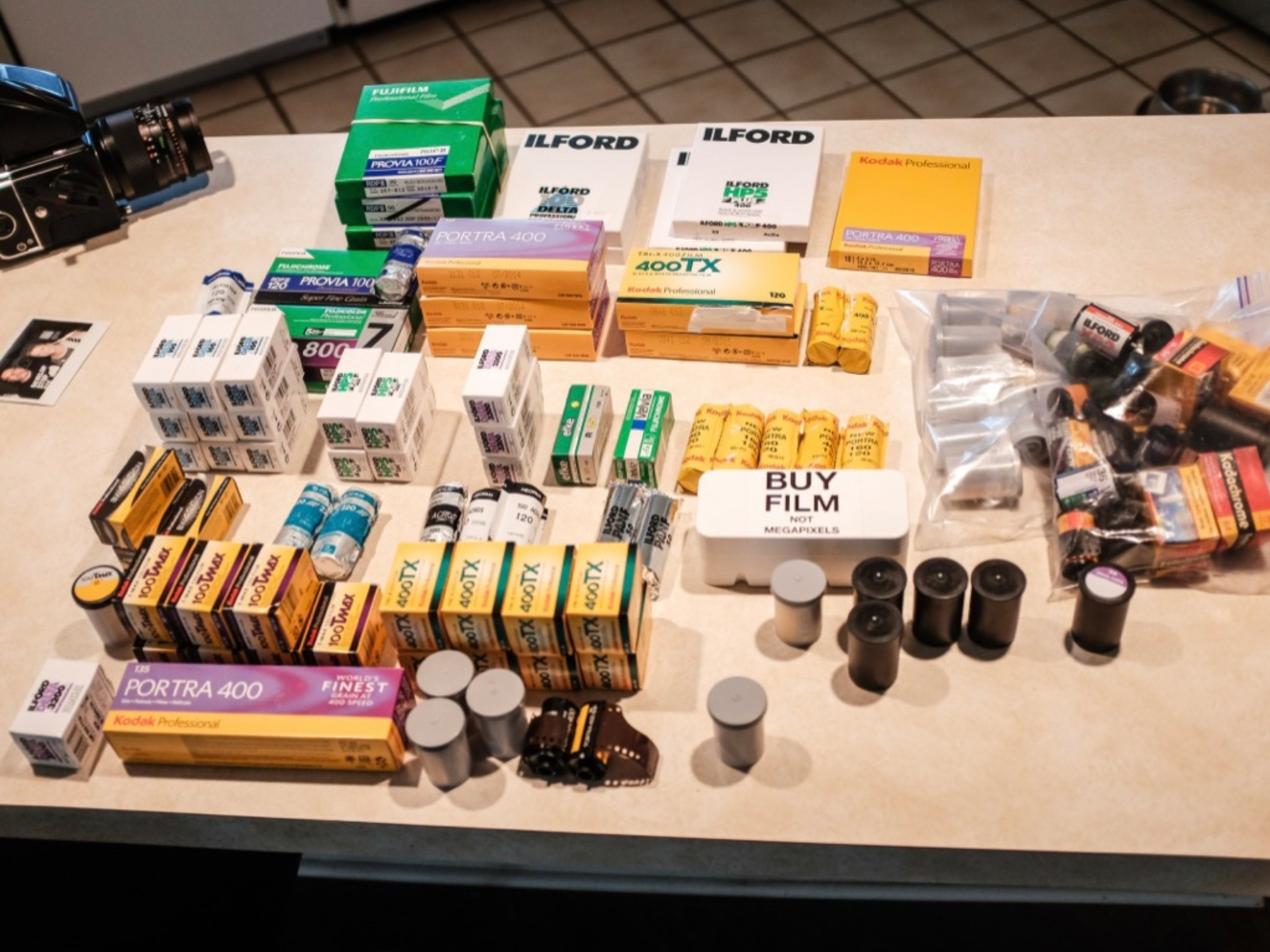
I don’t know how to edit digital photos without going too far. baty.photo/2025/digi…
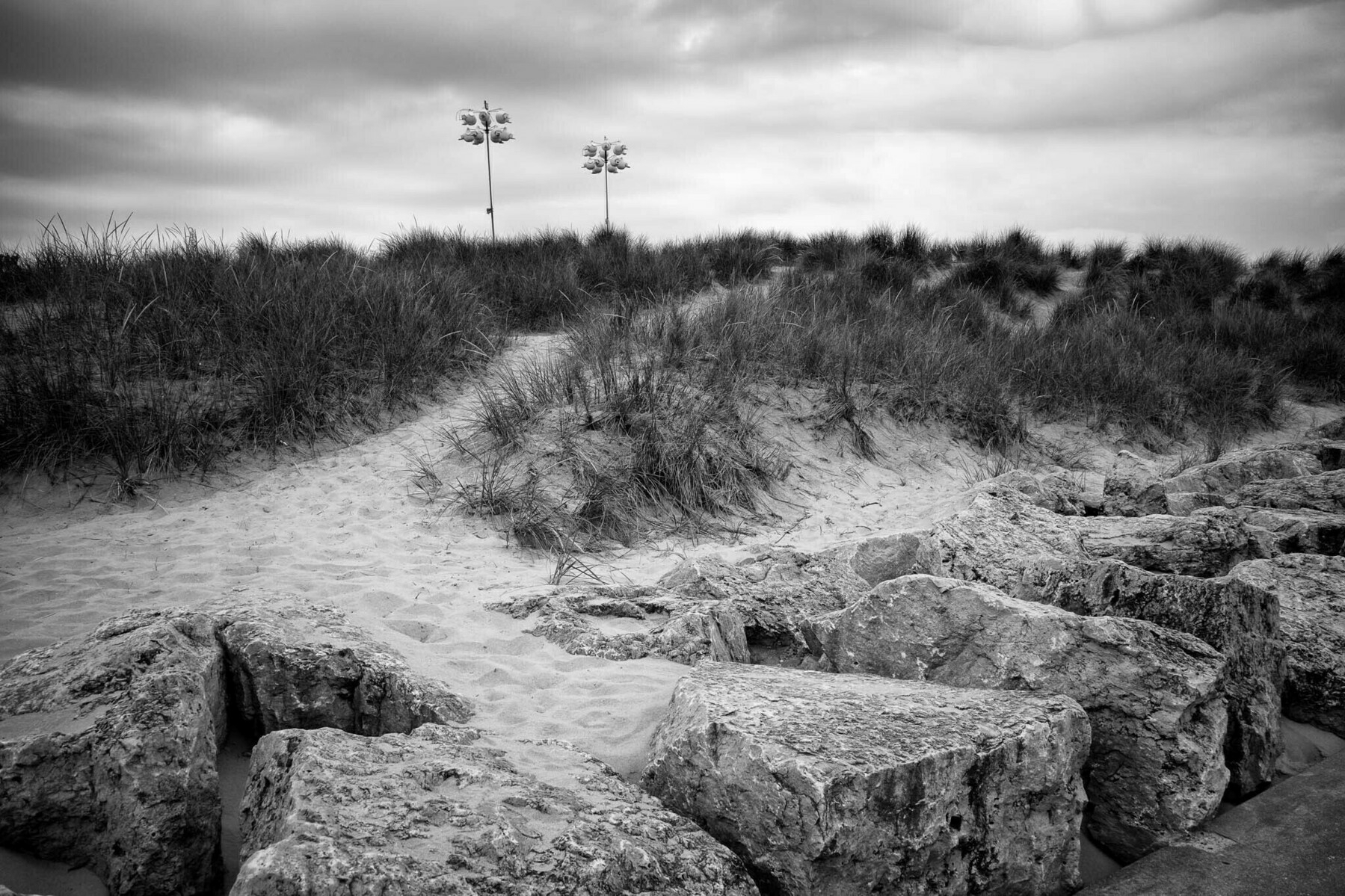
The wardrobe suits the mood.
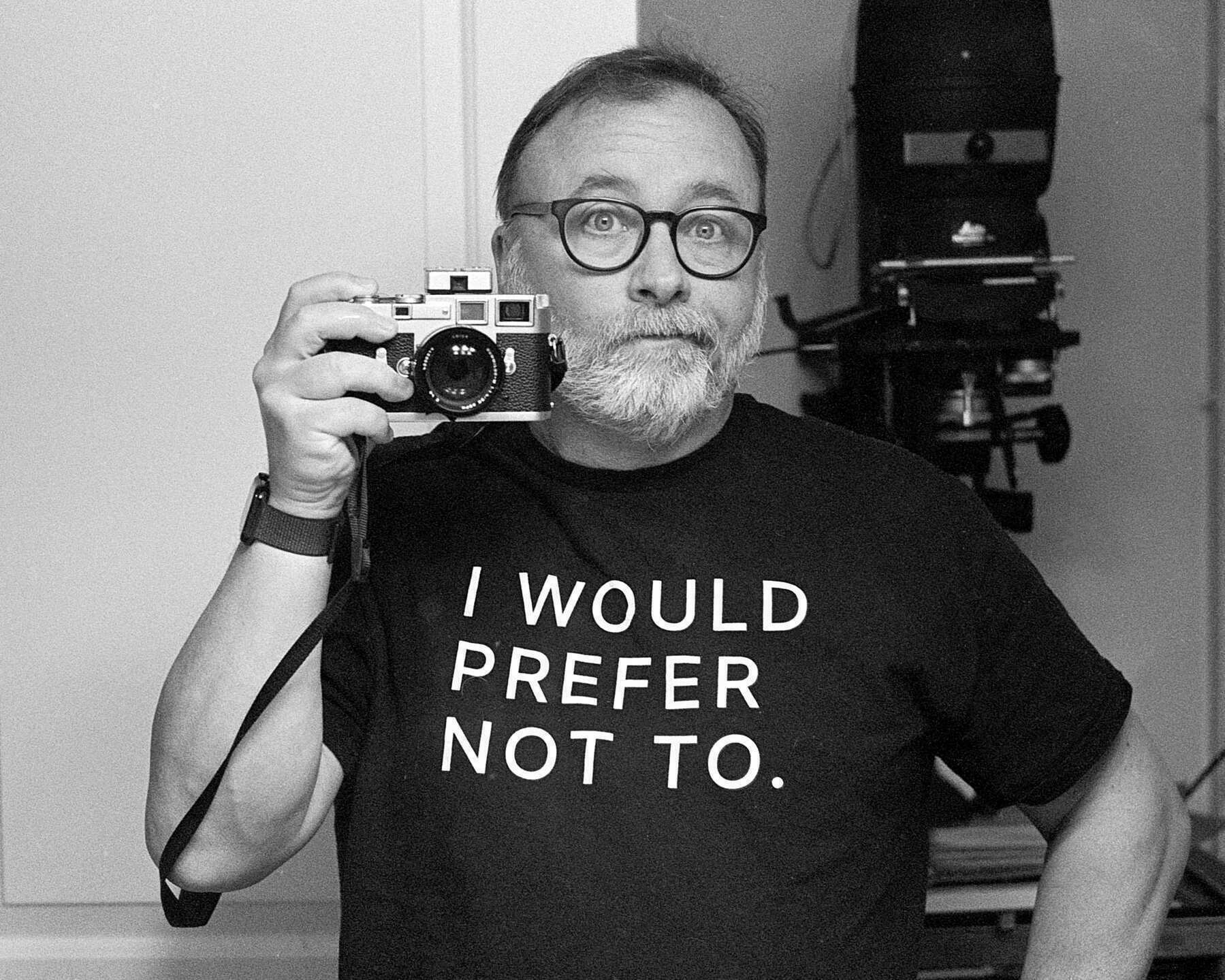
I took a photo for my daughter using my favorite and very fancy Summilux lens. I’d stopped down a lot and the background was distracting, so I used Adobe’s new “Background Blur” feature. She loved the pic, but I feel dirty and can never share it.
While I tolerate and even encourage motion blur or slightly out-of-focus images when shooting film, I find these imperfections in digital photos to be annoying (as in the photo above).
My uncle Ray. He’s been suffering from dementia, and it’s been difficult. He still laughs a lot. Always has.

I can’t remember if I shelved the wonderful little Canonet because of some issue or if it just sort of happened. I’ve loaded a roll of HP5 into it, so we’re about to find out

I don’t really enjoy printing contact sheets, but I love having printed contact sheets, so that’s what I’m doing this morning.

I shot a couple 4x5 frames of Ektar I had in the fridge and it was kind of fun so I thought I’d try some Portra. It’s around $7.50/sheet in 4x5. Pass.
My wife needed a new passport photo so I took advantage of the rare opportunity of her posing to snap a few extras.
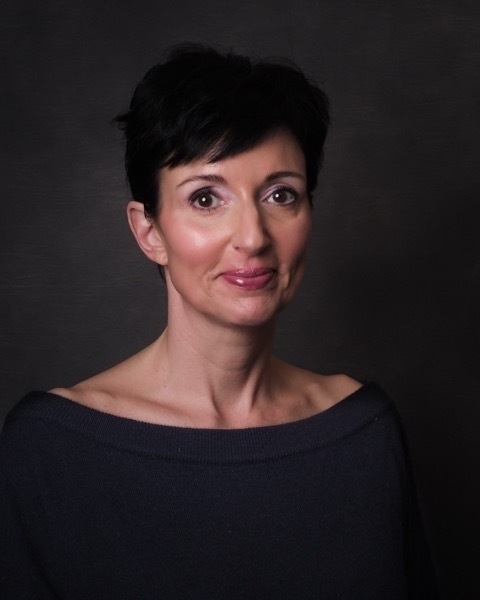
I took the same route on my walk yesterday, but brought a digital camera instead. It’s not the same: baty.net/2023/tryi…